The free InVitro Imager and Viewer
Image disks, partitions, USB and flash media and optical discs, and open existing cases. It is free for any use, with no account and no time limit.
Installer for Windows
Pre-release. The first public installer is not published yet. This page will link to it, with its checksum and signature, on release day. To join the beta, write to sales@invitroforensics.com.
| Installer | InVitro-Setup-x64.exe (published at release) |
|---|---|
| SHA-256 | published with the installer |
| Signature | Authenticode-signed by the publisher |
Check the download in PowerShell before running it:
Get-FileHash .\InVitro-Setup-x64.exe -Algorithm SHA256Silent install for software deployment: InVitro-Setup-x64.exe /VERYSILENT. A per-user install needs no administrator rights.
System requirements
- Windows 10 or Windows 11, 64-bit (x64).
- 8 GB of RAM; 16 GB or more for large cases.
- 500 MB for the program. Cases live wherever you put them; allow space for images and the case database.
- Administrator rights only for physical acquisition. The program offers "Restart as administrator" when it needs them.
- The .NET runtime is included; nothing else to install.
- No internet connection is needed to examine evidence.
Paid editions
The paid editions use the same installer: activate a licence in Help, then Licence, and the modules your edition includes are installed. Offline bundles are available for air-gapped labs.
What the free edition includes
Disk imaging
Whole disks, single partitions and USB or flash media to raw or .ivi, with failing-drive strategies, SMART health and HPA/DCO checks.
Optical discs
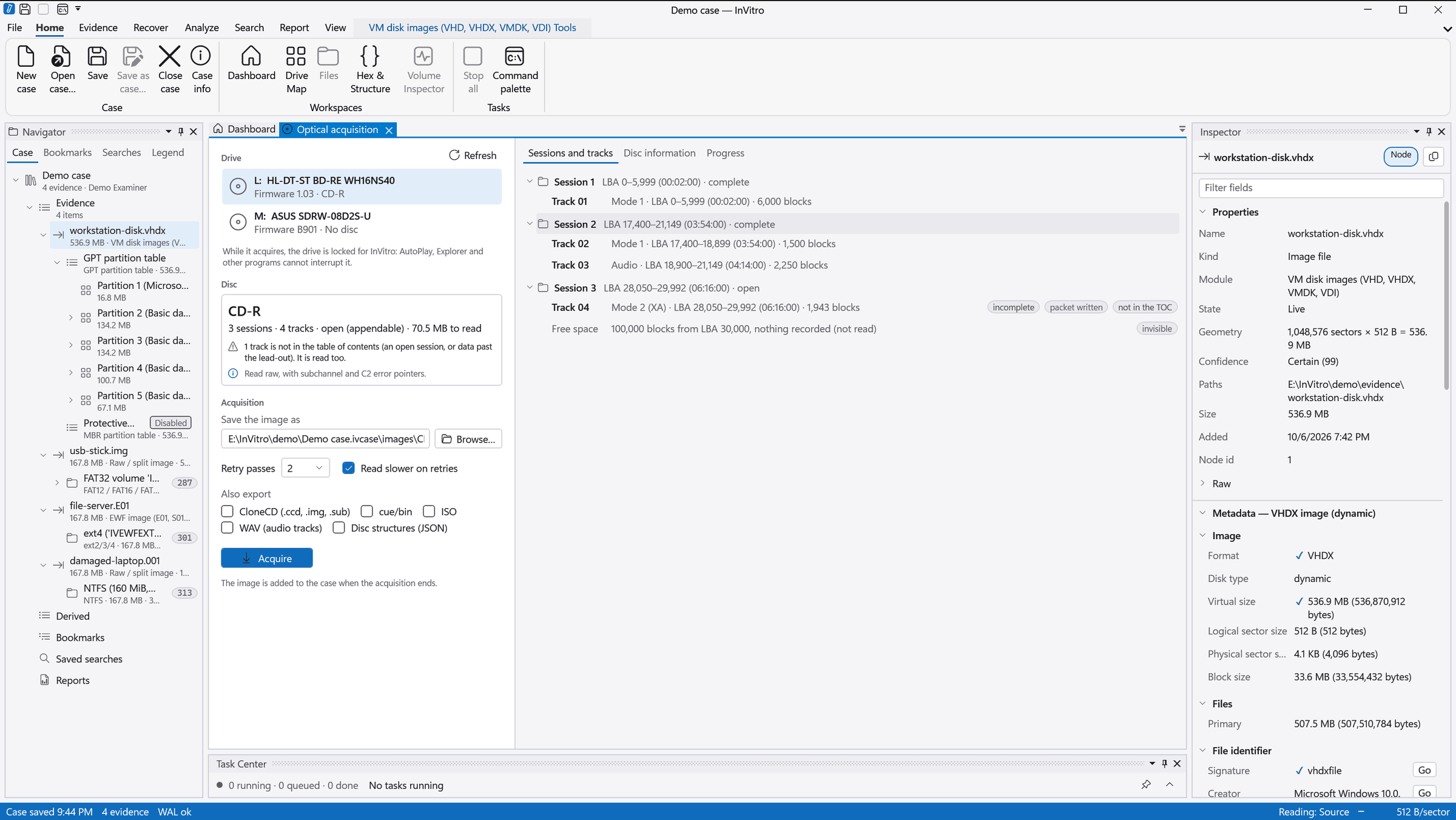
CD, DVD and BD, every session and track, raw CD with subchannel. Exports to CloneCD, cue/bin and ISO.
Case viewing
Open and browse existing cases, preview files, use the hex view, and export the reports a case already holds.